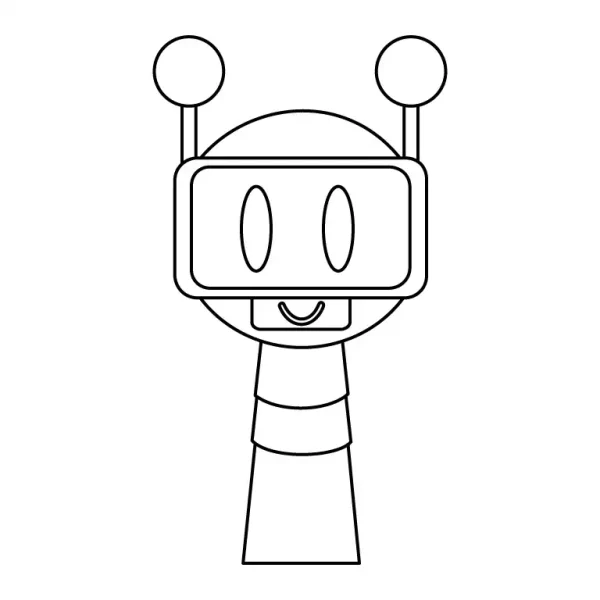
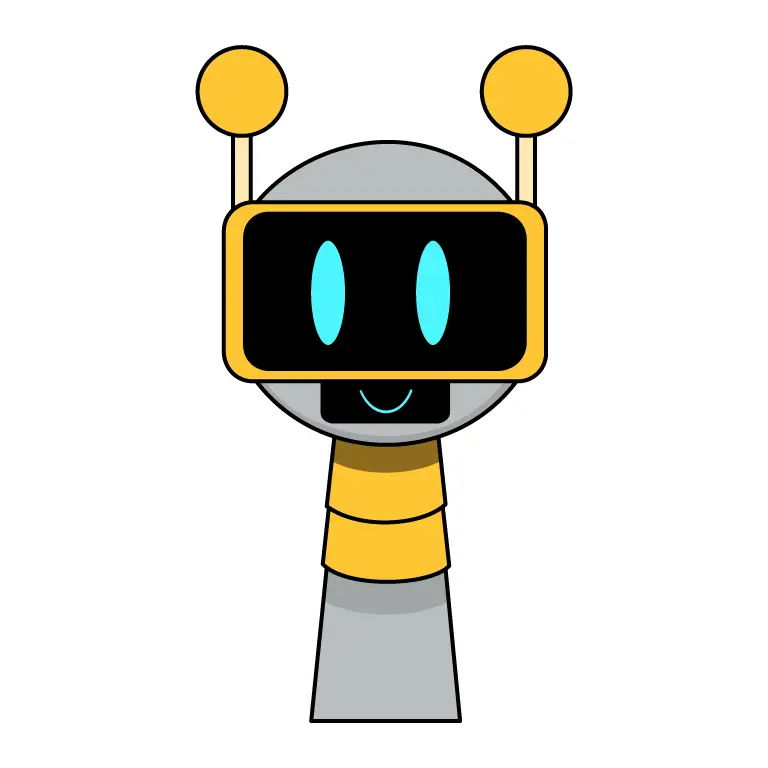
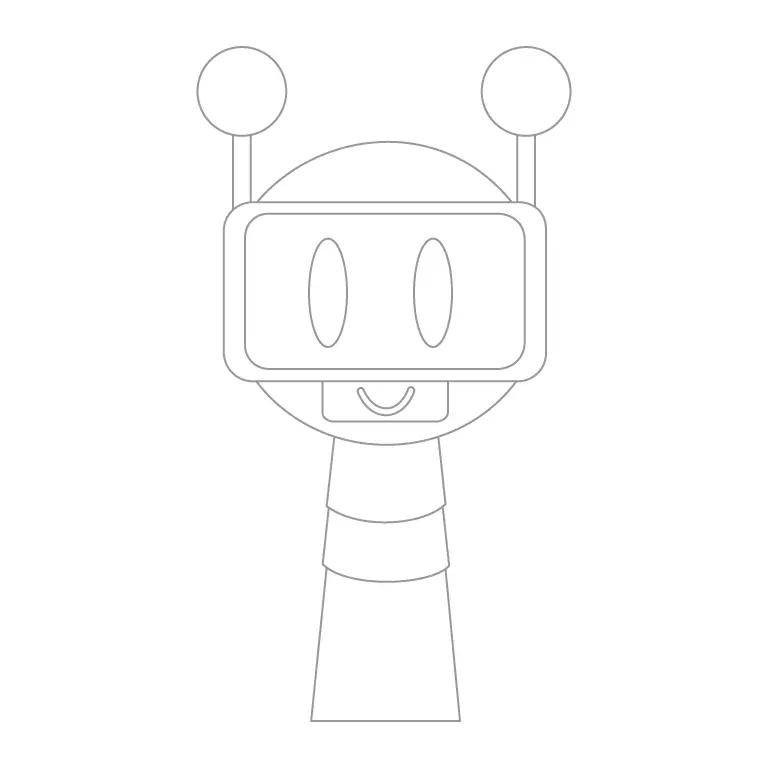
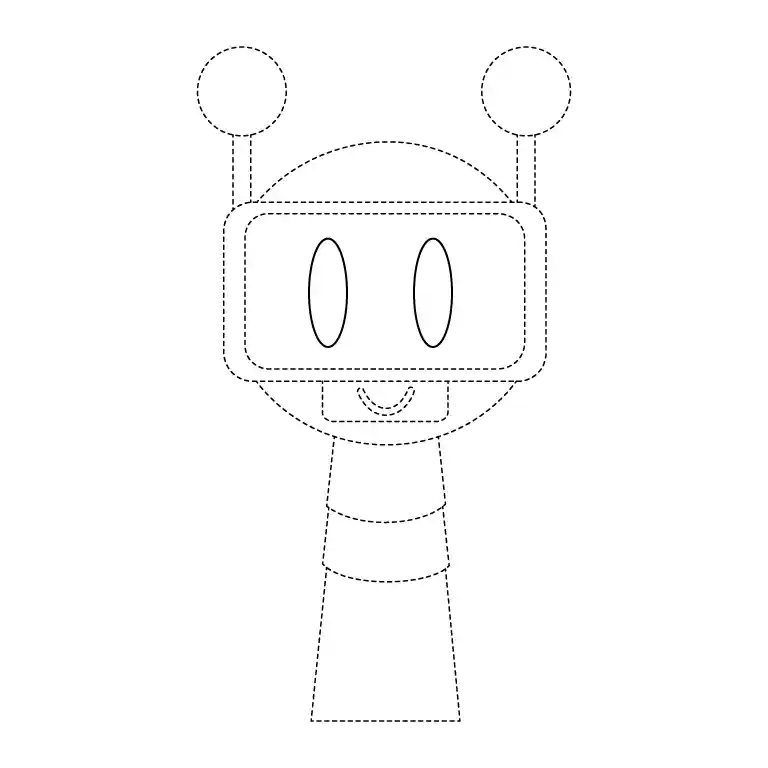
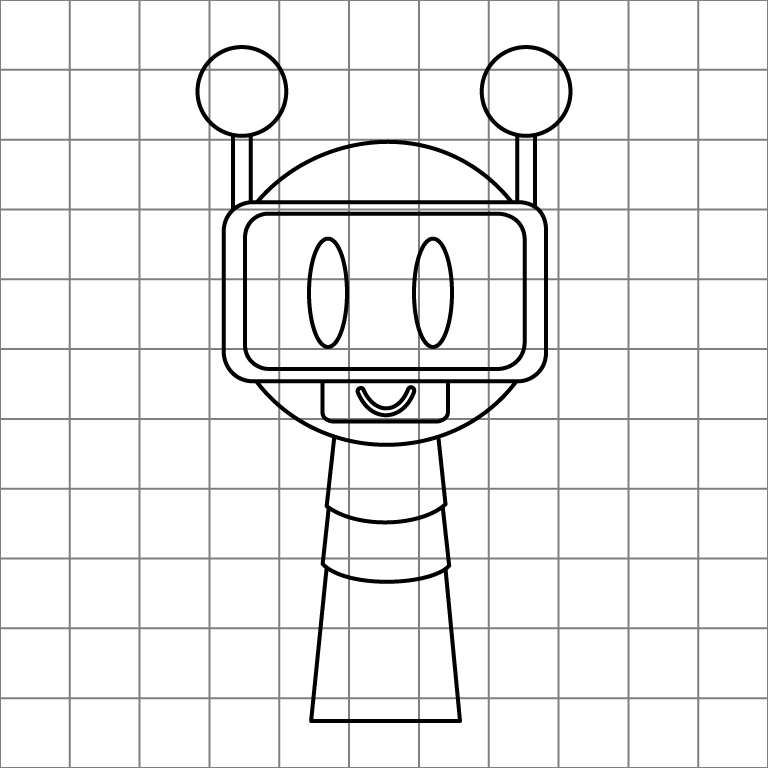
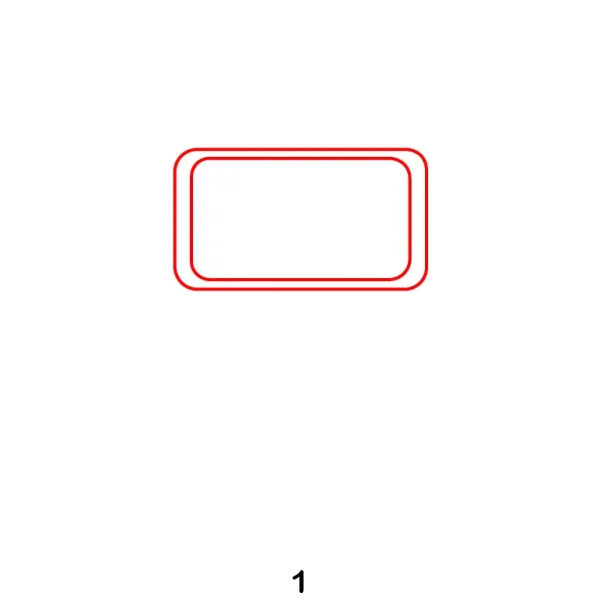
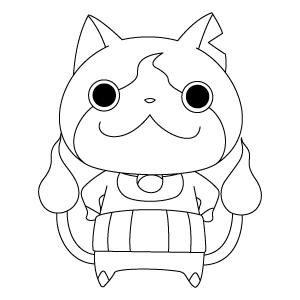
Start by drawing a rounded rectangular shape to form the screen of the robot. Keep it centered and leave enough space inside it for the eyes, which will be added in the next step.
Step 2 - Adding the Face Shape and Eyes
Surround the screen with an oval shape to draw the face. Inside the screen, draw two small circles for the eyes, making sure they are evenly spaced.
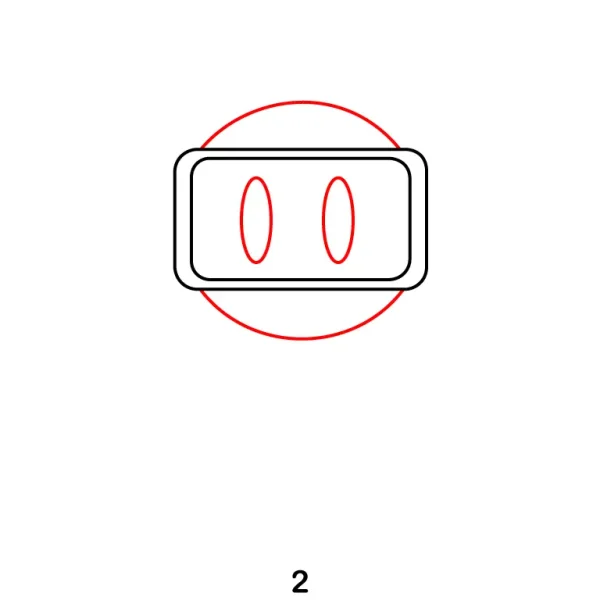
Step 3 - Drawing Ears and Mouth
On each side of the face, draw simple antennas which will be his ears. Below the screen, draw a curved line to form the mouth, giving the robot a friendly expression.
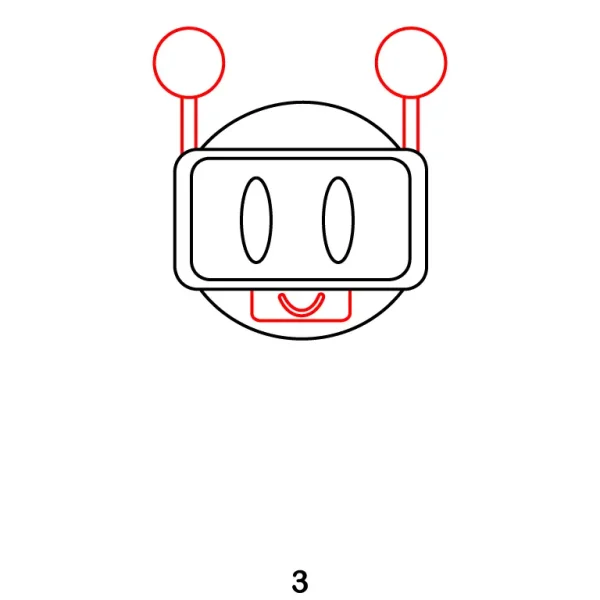
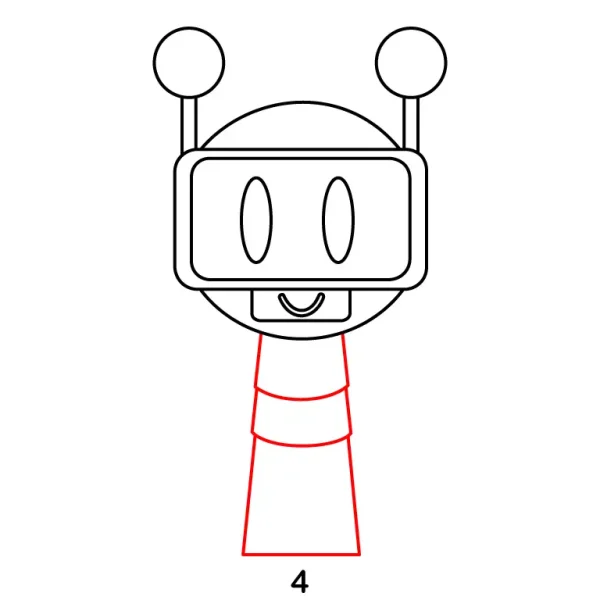
Step 4 - Drawing the Body Shape
Below the face, add a rectangular shape for the robot's body. Make it thin at the top and wider at the bottom and include small details like curved line to represent a robot's mechanical features.
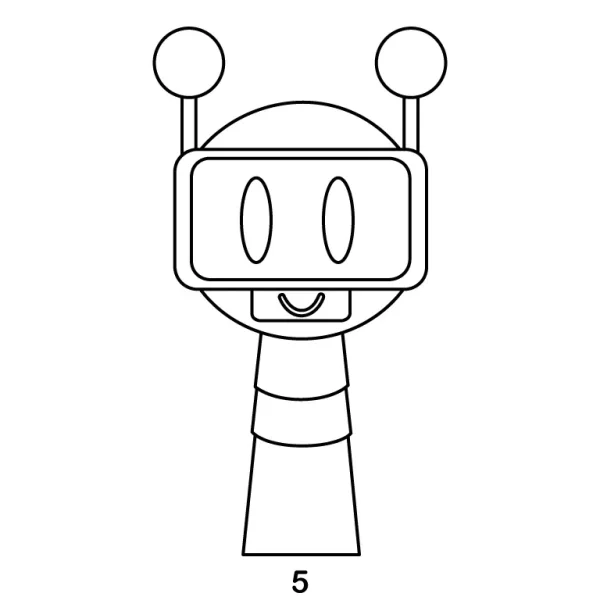
Step 5 - Finalize the Outcome
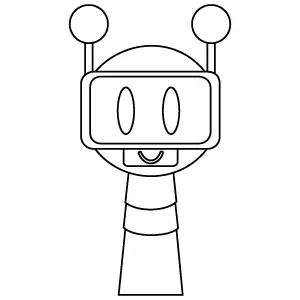
Complete the drawing by refining the outlines and adding any final touches. Erase extra lines and, if desired, color the Funbot to match its unique look from Incredibox Sprunki.