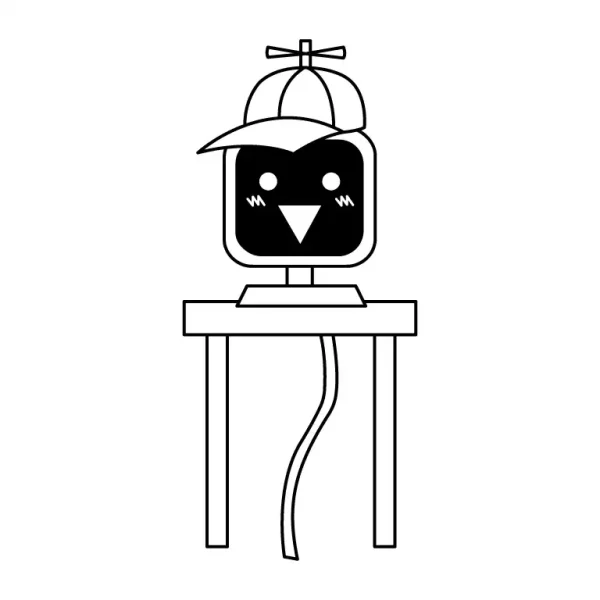
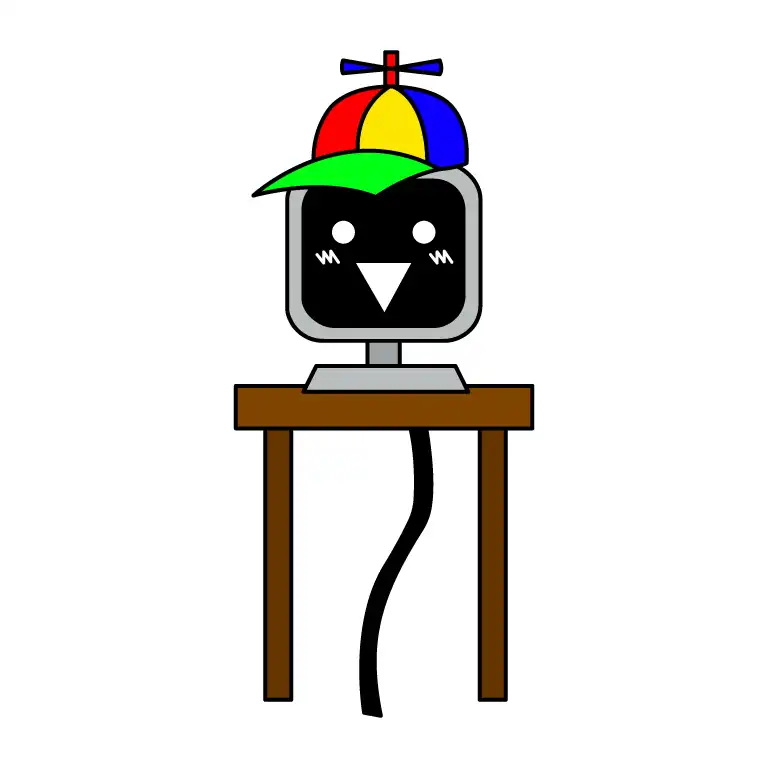
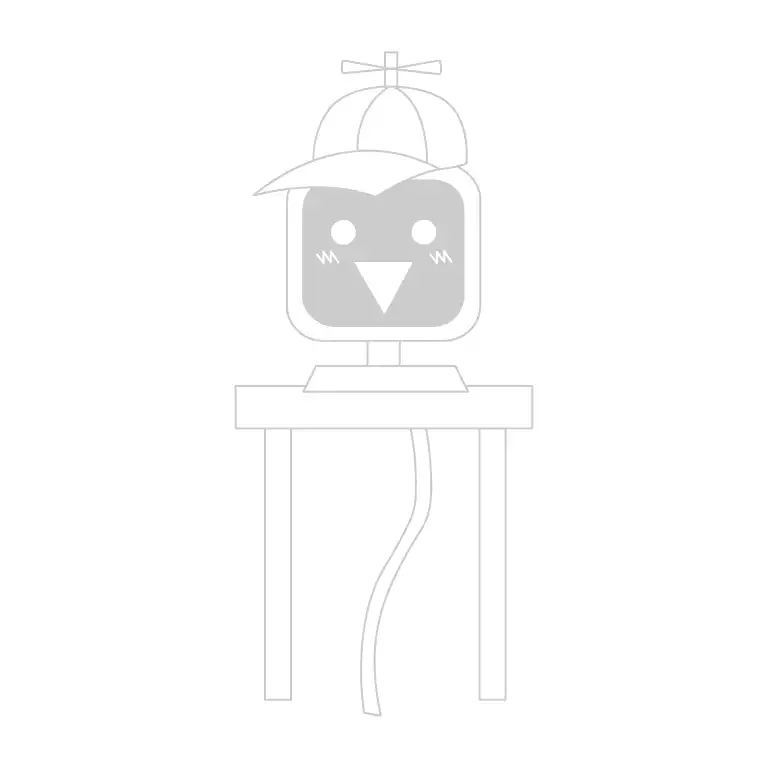
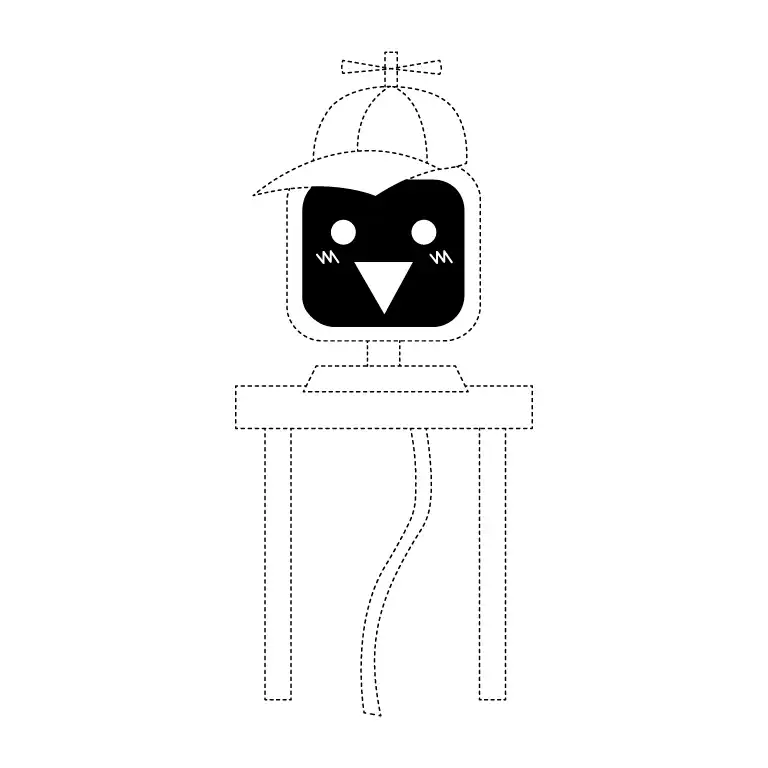
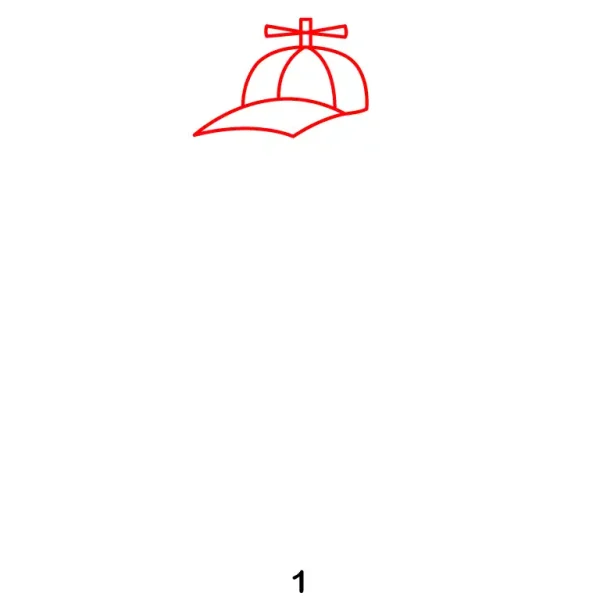
Start by sketching Mr. Fun Computer’s iconic hat. Draw a normal cap and add a few rectangles above the hat, see the reference image for more details.
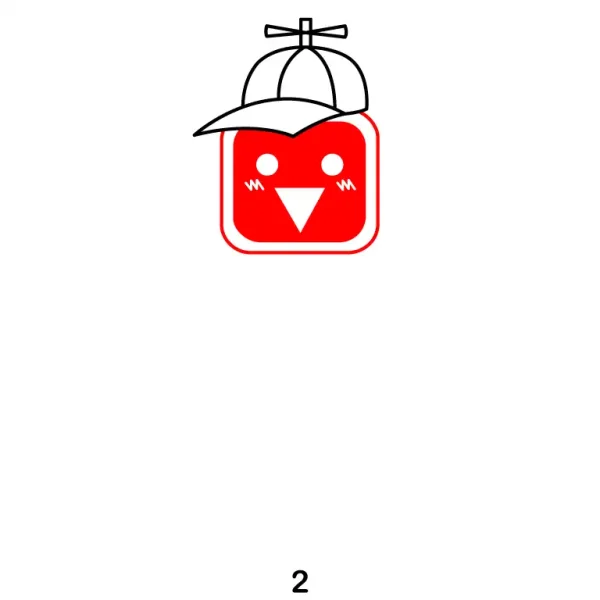
Step 2 - Add Face Shape (Screen) and Facial Details
Draw a square shape for his face, then draw another square inside the face to add facial details. Draw two circular eyes and a triangle mouth below the eyes. Then shade the face area except the eyes and mouth.
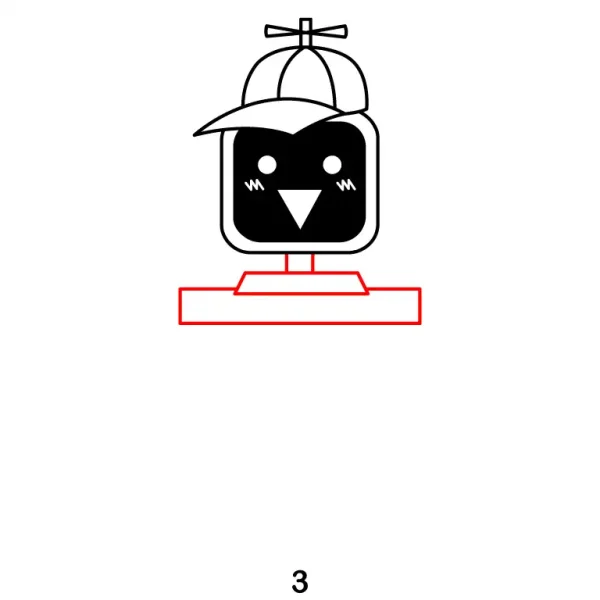
Step 3 - Draw Table Below the Screen
Sketch the table that supports Mr. Fun Computer’s head. Draw two lines extending from the screen which connects with a rectangle shape below. Then draw another rectangle below to complete the look.
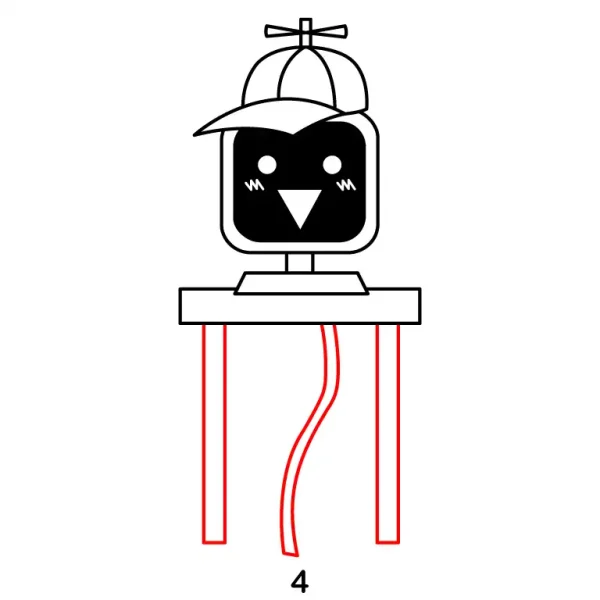
Step 4 - Add Table Legs and Wire
Add the legs of the table, Draw two large rectanglar shape legs extending from both side of the table. Add a curved wire hanging from the table.
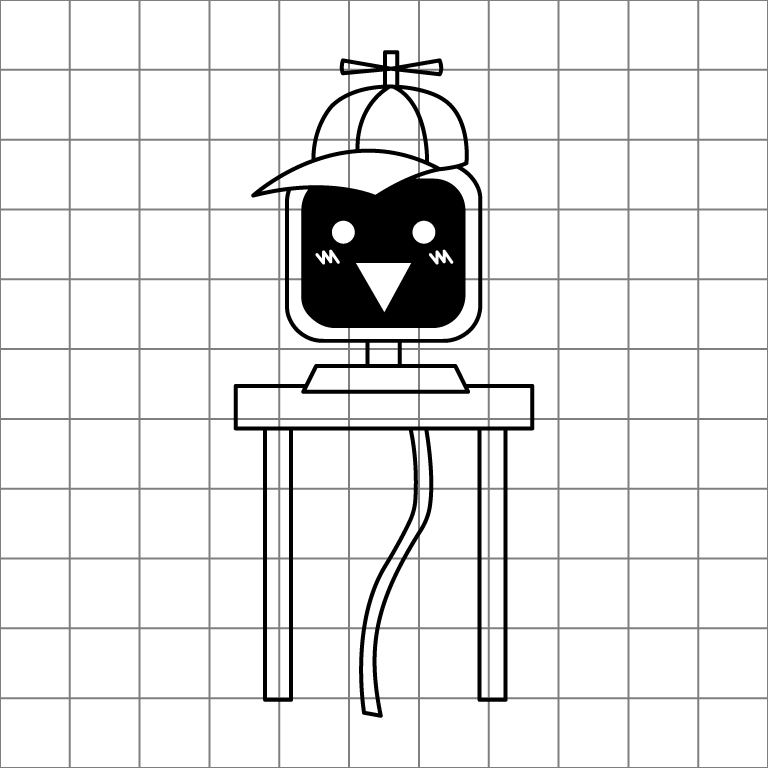
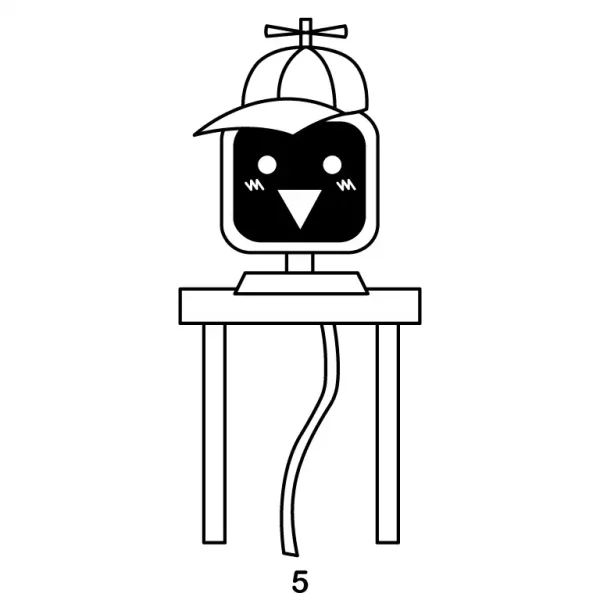
Step 5 - Finish Mr. Fun Computer Drawing
Finalize your drawing by adding any missing details and refining the outline. Erase unnecessary lines and add color to Mr. Fun Computer. You’ve successfully captured the essence of this playful character!