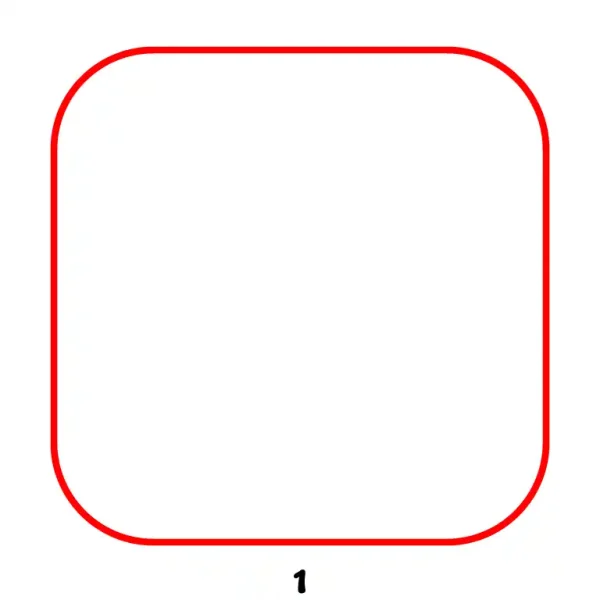
Begin by sketching a large square with rounded corners. This forms the outer boundary of the Instagram logo.
Step 2 - Add Inner Rounded Squares
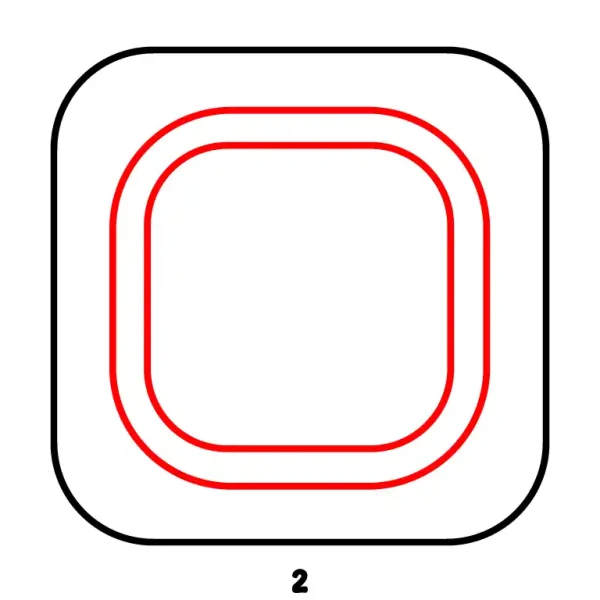
Inside the initial shape, draw two smaller concentric rounded squares. These create the layered frame effect characteristic of the logo.
Step 3 - Sketch the Camera Lens and Flash Circle
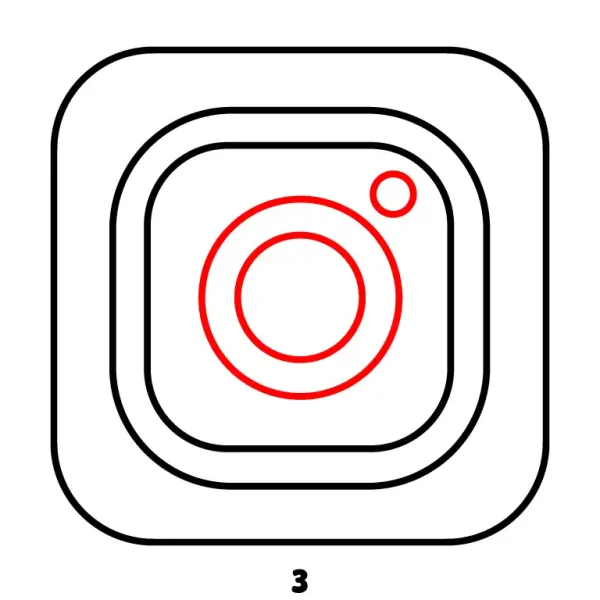
Within the innermost rounded square, draw a large circle (representing the camera lens) and a smaller circle near the top-right corner (representing the flash).
Step 4 - Finalize Instagram Logo Outline
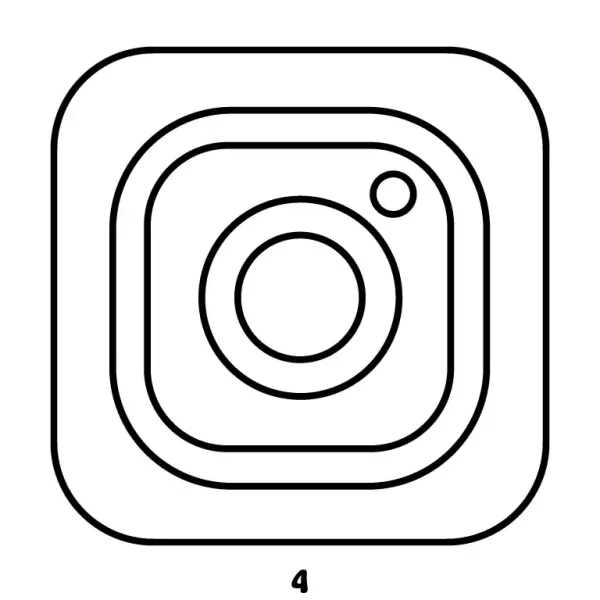
Go over all the previously drawn shapes with a solid black outline to define the complete Instagram logo in a clean, monochrome design.